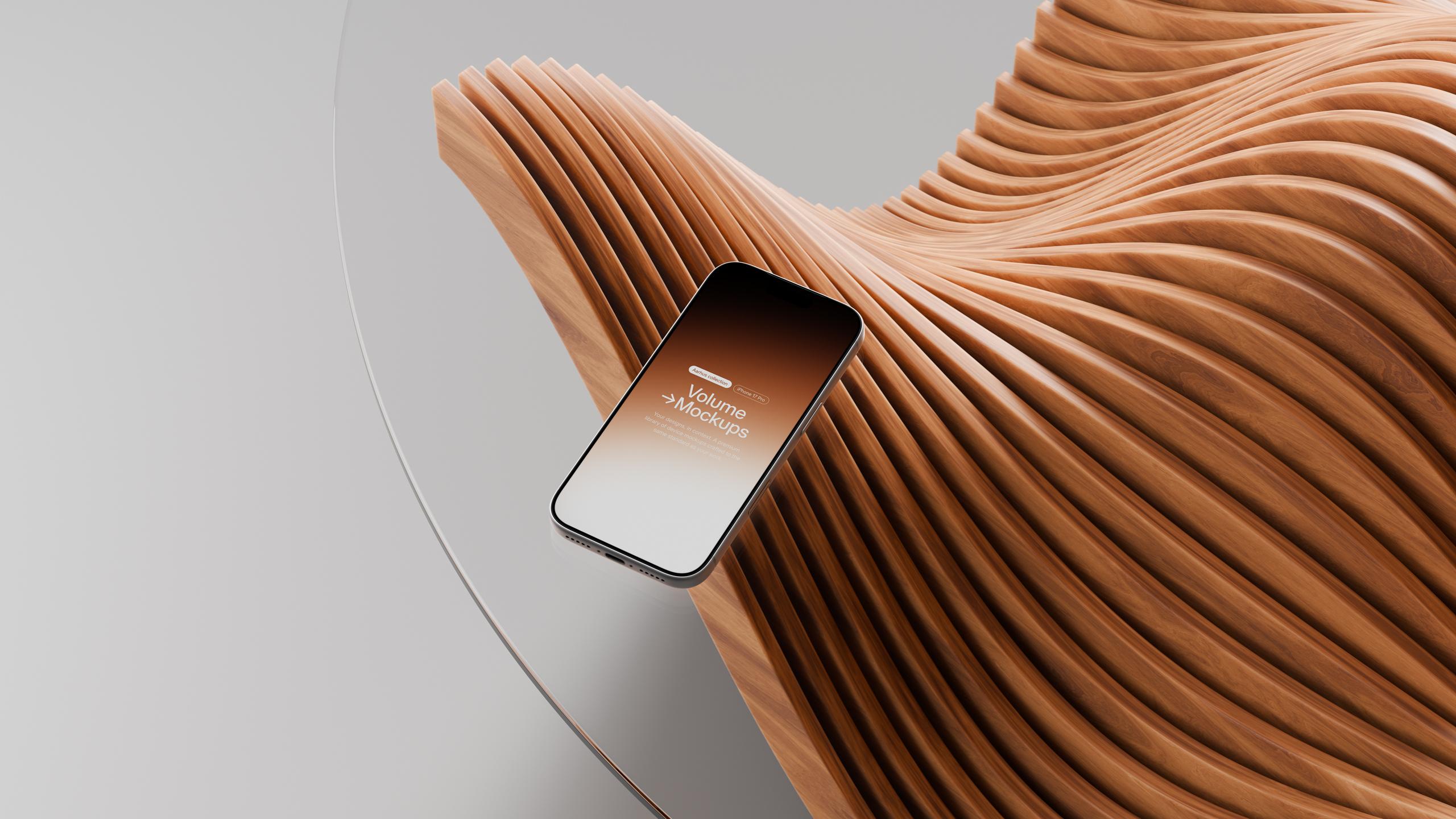
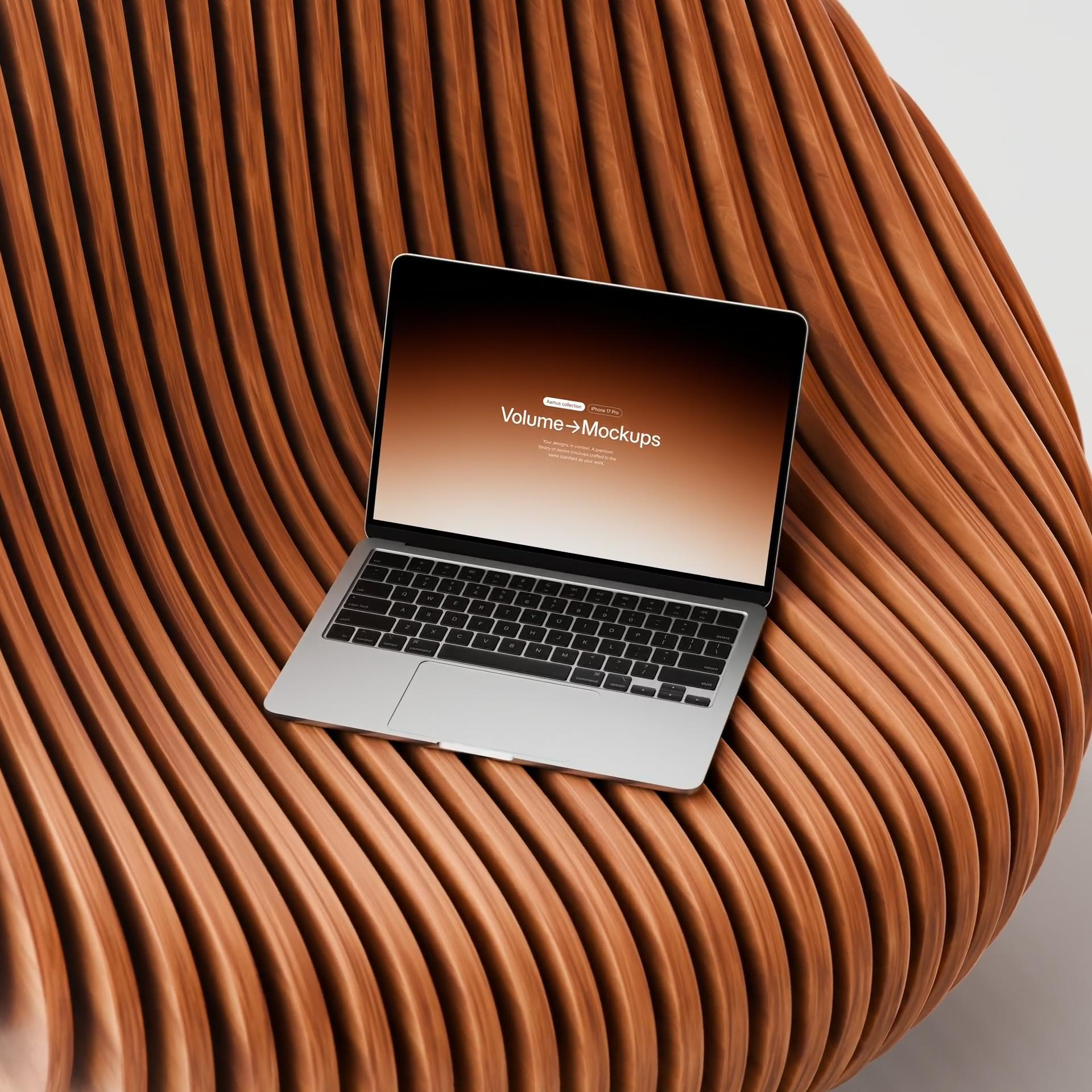
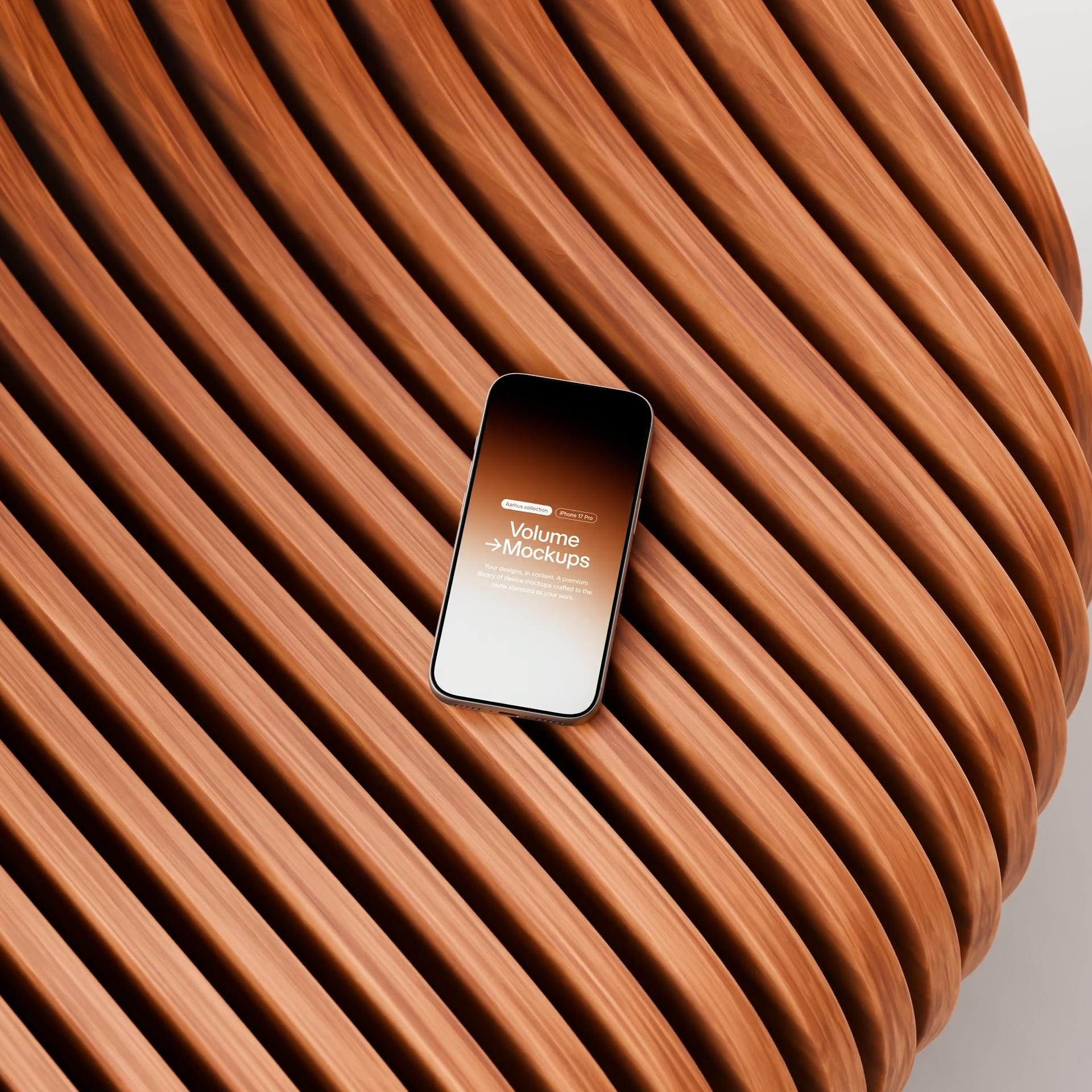
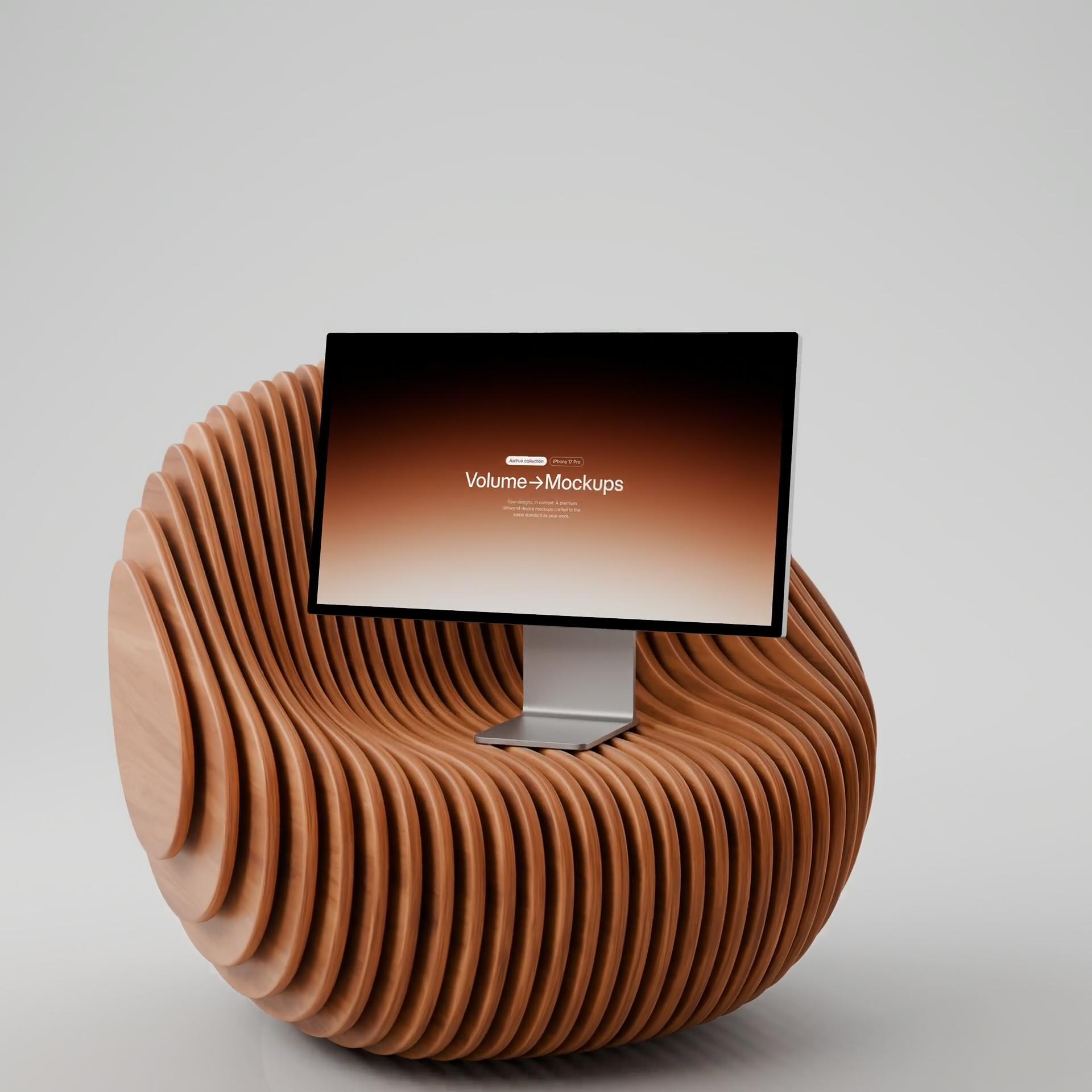
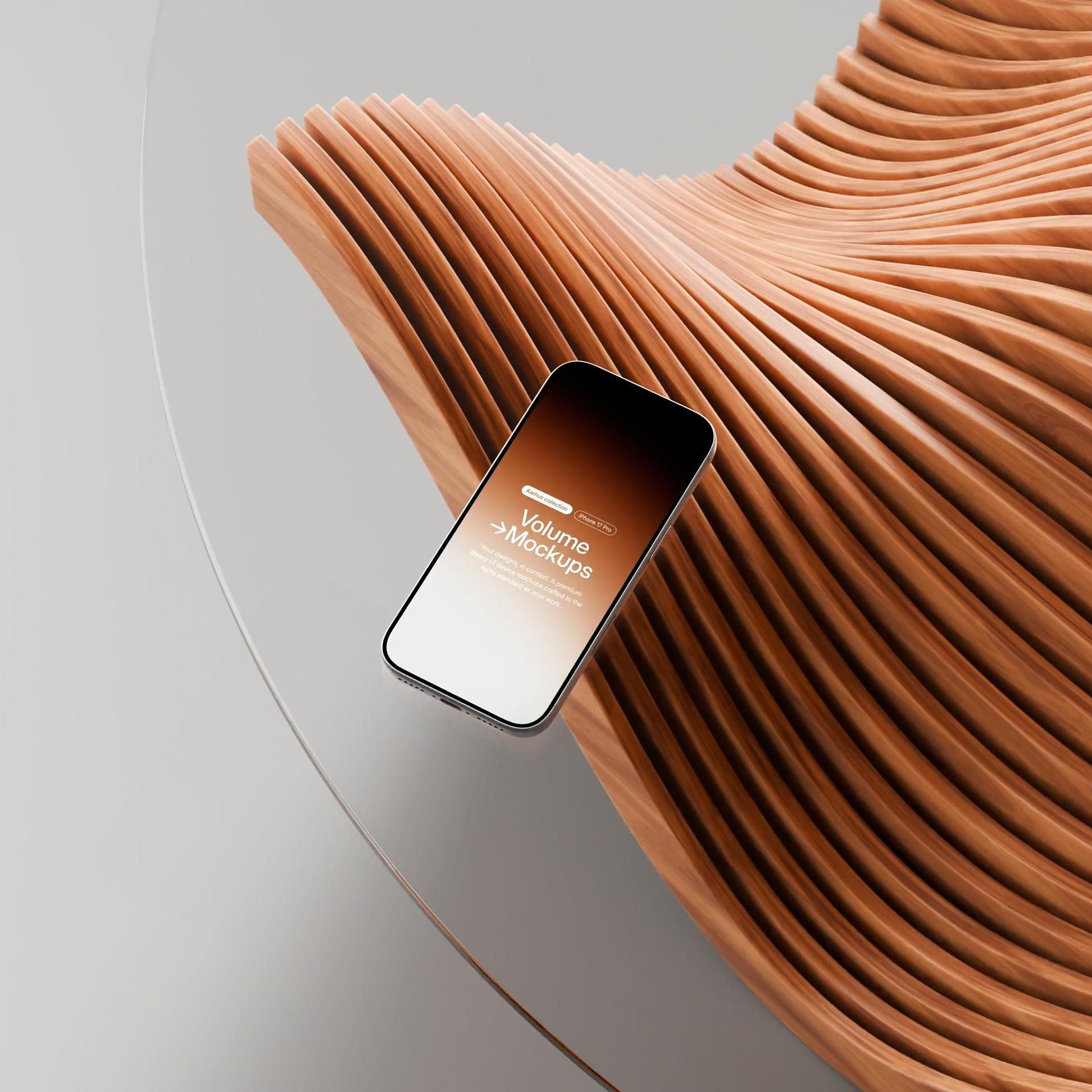
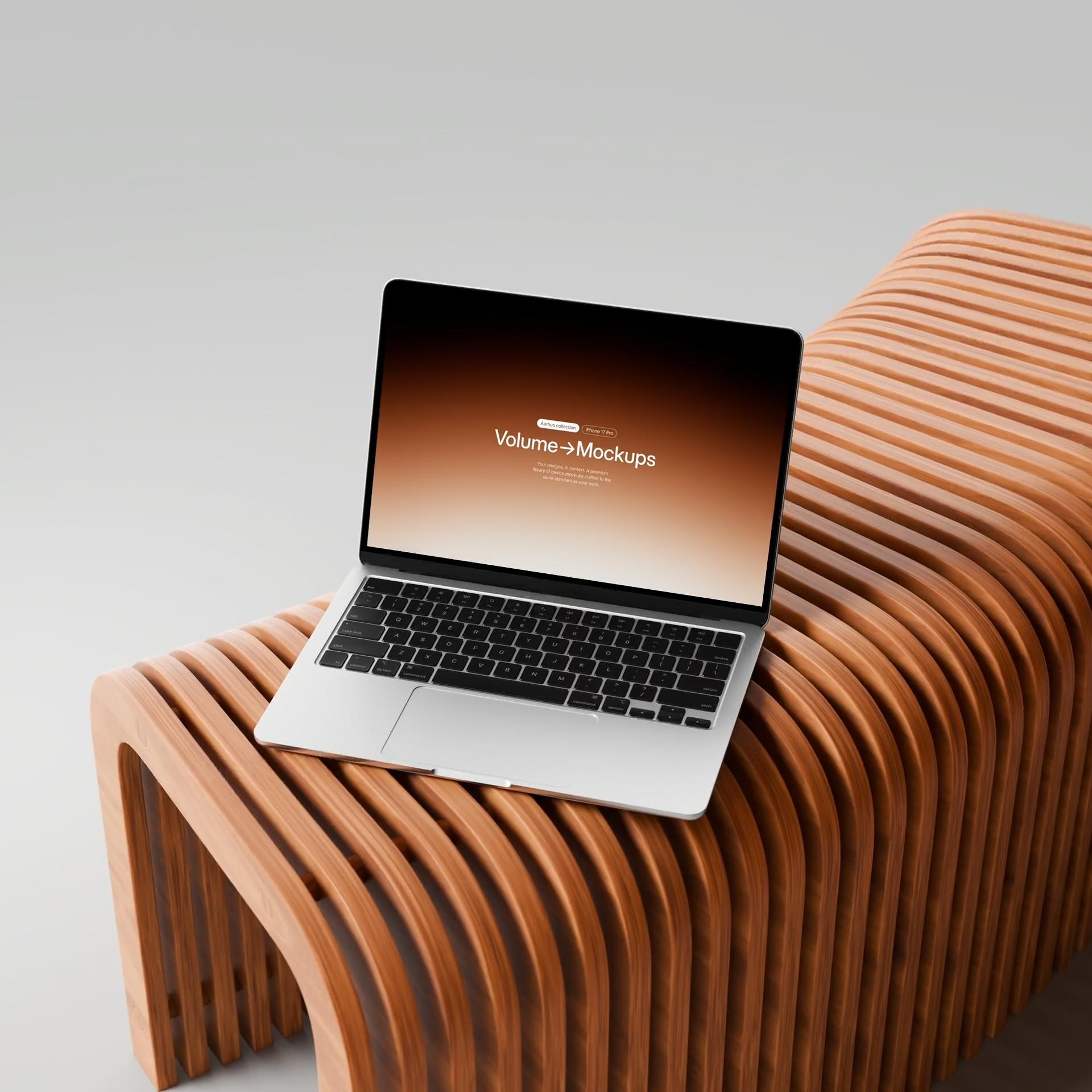
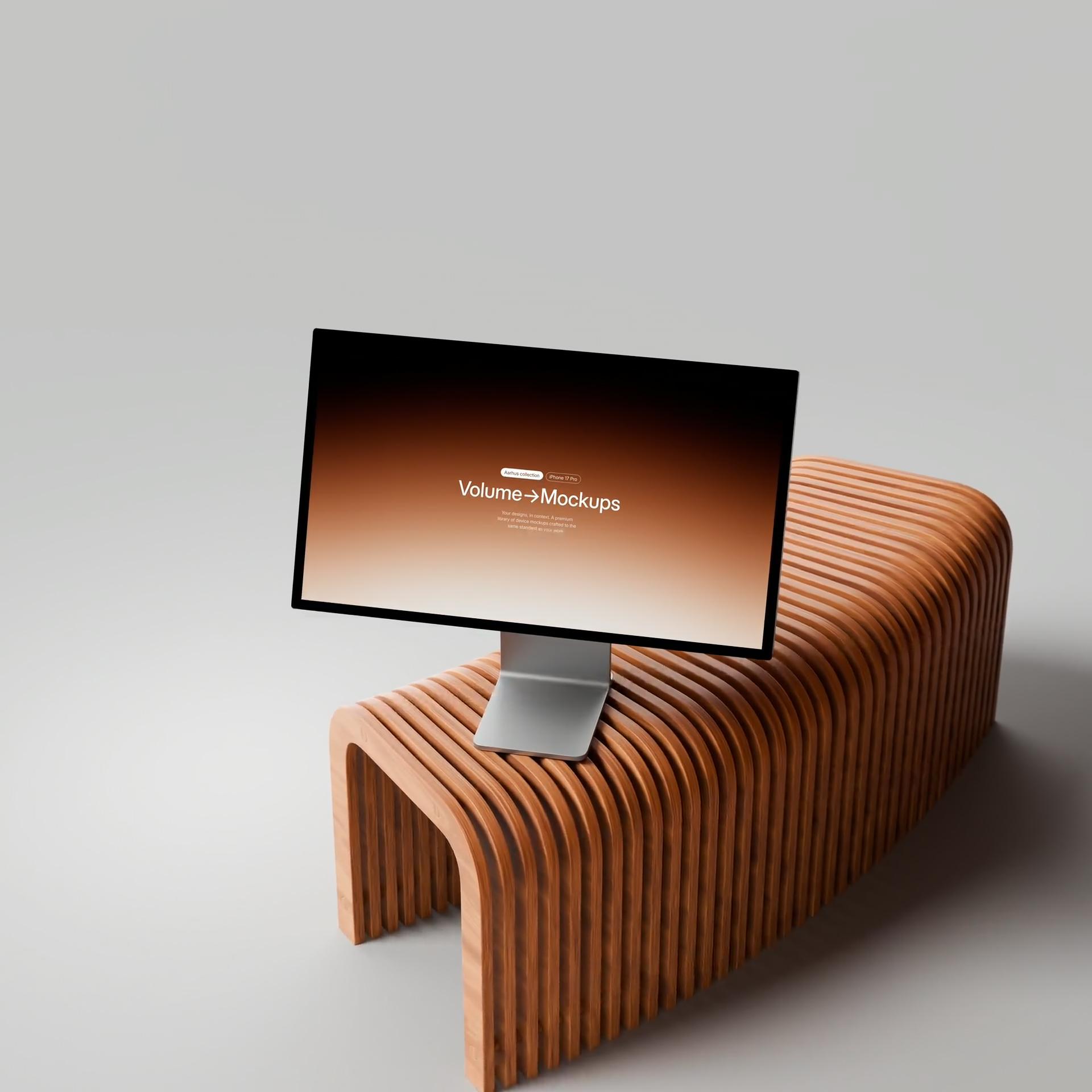
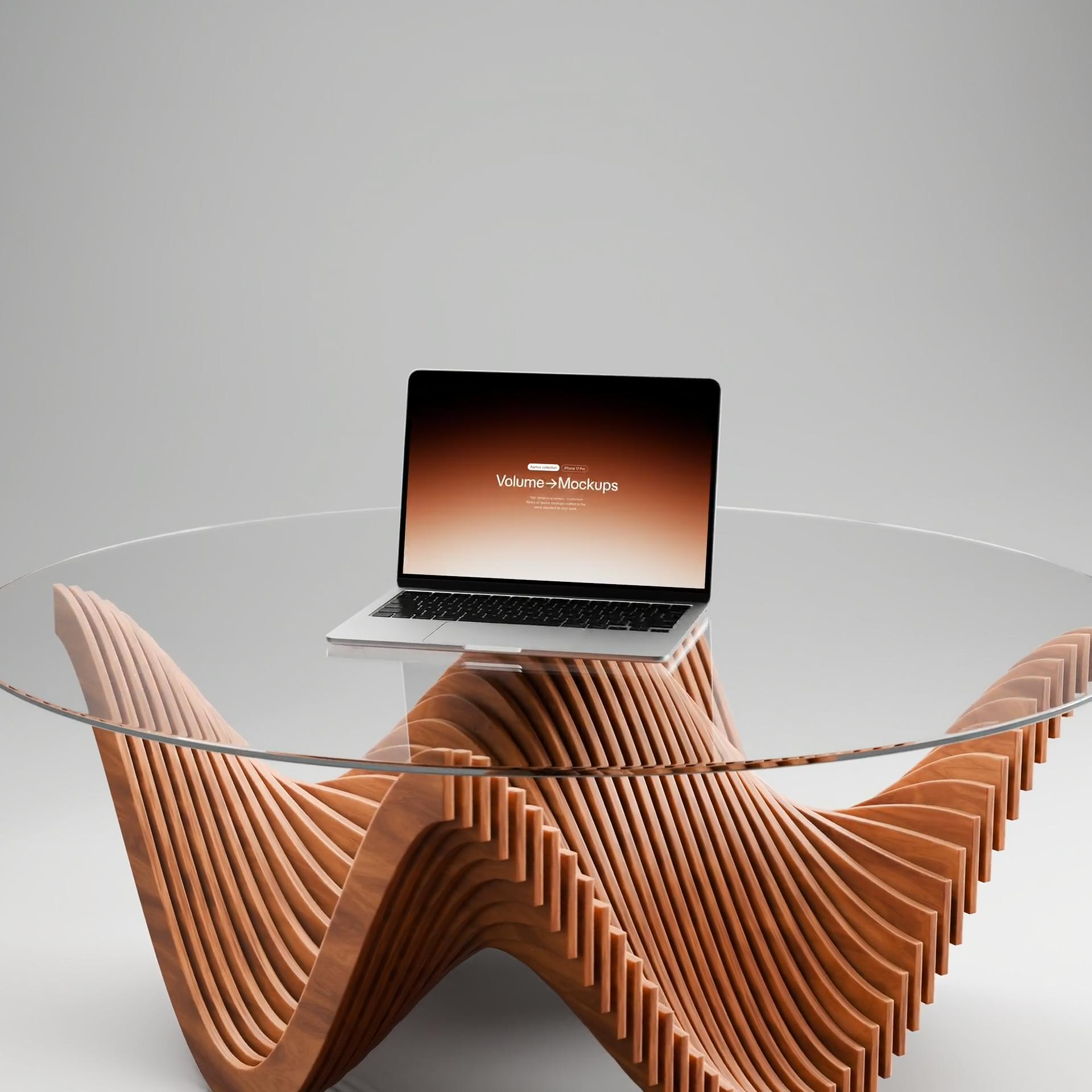
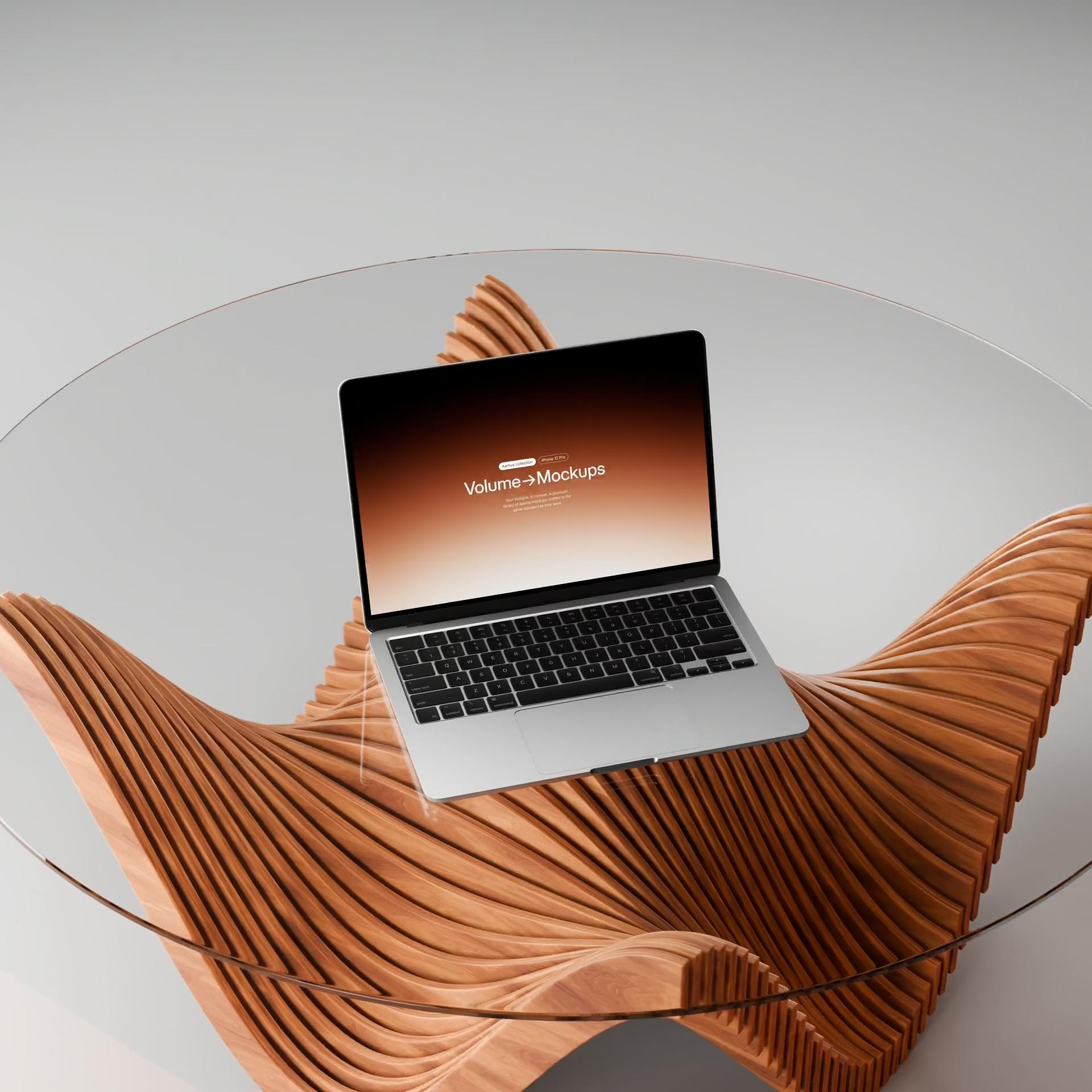
A deliberate selection of 8 high-resolution scenes from the Aarhus Collection, presented in motion — 8 cinematic device mockups for iPhone 17 Pro, MacBook Air, and Studio Display XDR. Each scene comes as a fully prepared Adobe After Effects project, with animated cameras, keyframed movement, perspective transformations, and screen tracking already taken care of. Render polished 4K footage at 60 fps in either 16:9 landscape or 9:16 portrait — simply replace the screen content with your design or recording and render.
What file formats are included?
Static mockups come as PSD files compatible with Adobe Photoshop. Animated mockups come as After Effects project files. Both are delivered as a zipped download.
Do I need Photoshop to use the mockups?
Genreally, no — with most of our mockups, you can place your design using our browser-based compositor tool without any software. If you prefer working in Photoshop, the PSD files are fully layered with smart objects, so you can drop in your design, change backgrounds, adjust colors, and customize the scene to your liking. Or use a free Photoshop alternative like Photopea, which runs in your browser. Animated mockups require Adobe After Effects.
Can I use these mockups for commercial or client work?
Yes. All mockups include a commercial license at no extra cost — use them for client work, commercial projects, and paid deliverables without attribution. If you cancel your subscription, you keep the license for any mockups you've already downloaded. See the license page for full details.
How do I access my files after purchase?
After purchasing, click "My purchases" in the navigation to access your customer portal and download your files.
Can I get access to everything at once?
Yes — the All Access subscription gives you instant access to every mockup on the site, including all new releases, for $19/month.
What resolution are the mockups?
It varies per pack — static mockups come in either 4K or 8K resolution, with the resolution listed on each product page. Animated mockups are 4K at 60 fps.
Can I modify the mockups?
Yes, all licenses permit modification of the purchased files to suit your project needs.